+1 805-283-6908
 +91 73473-34050
You can create a new session service for all the customers and users to view and purchase your service.
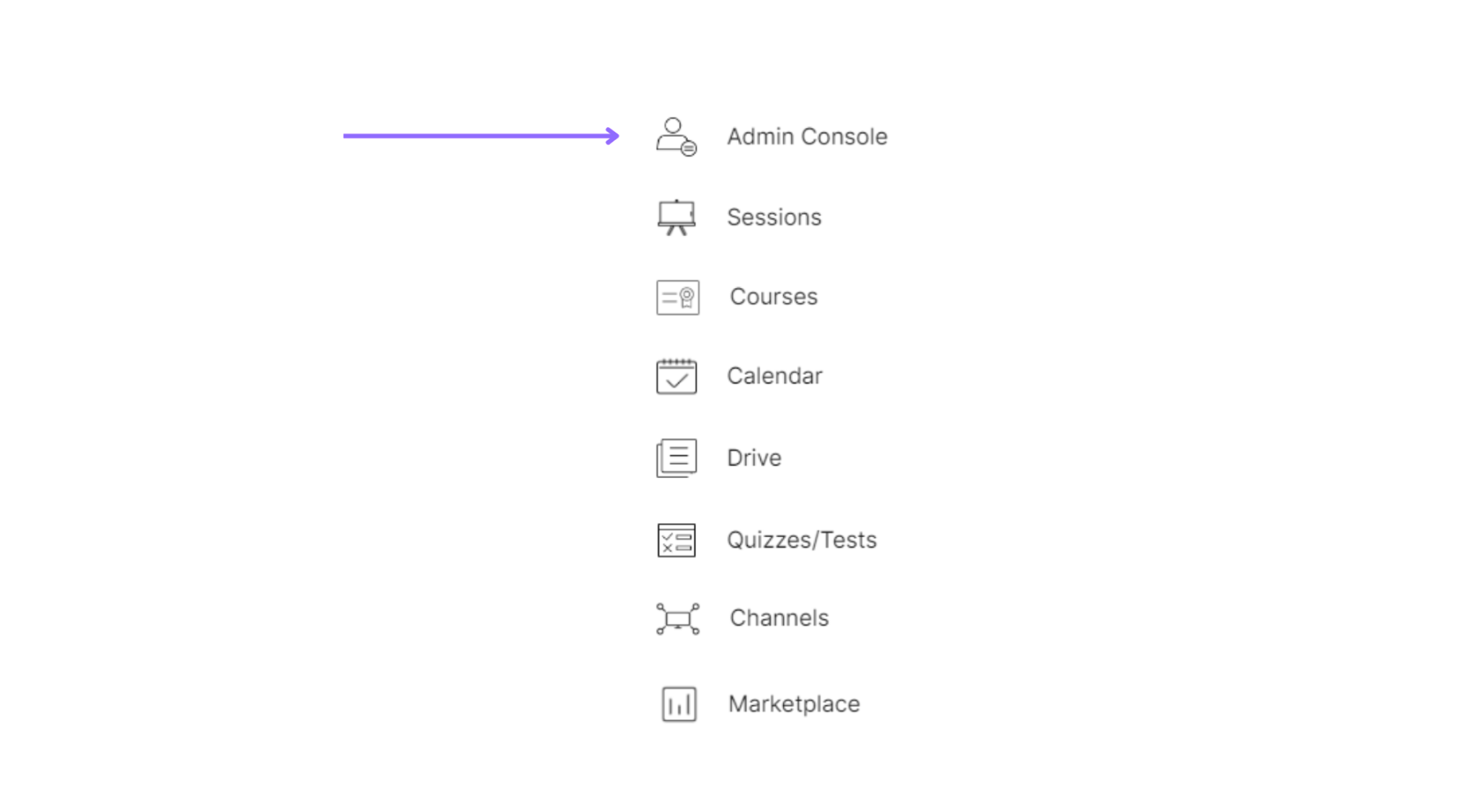
Select the “Admin Console” of a particular organization.
Click on “Session Services” under the “Get Started” tab.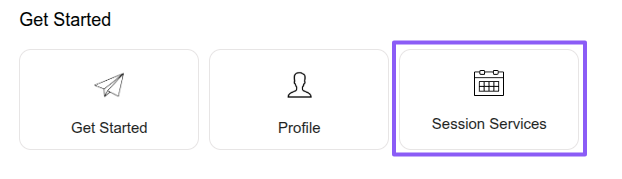
Click on the “plus” icon to create a new service.
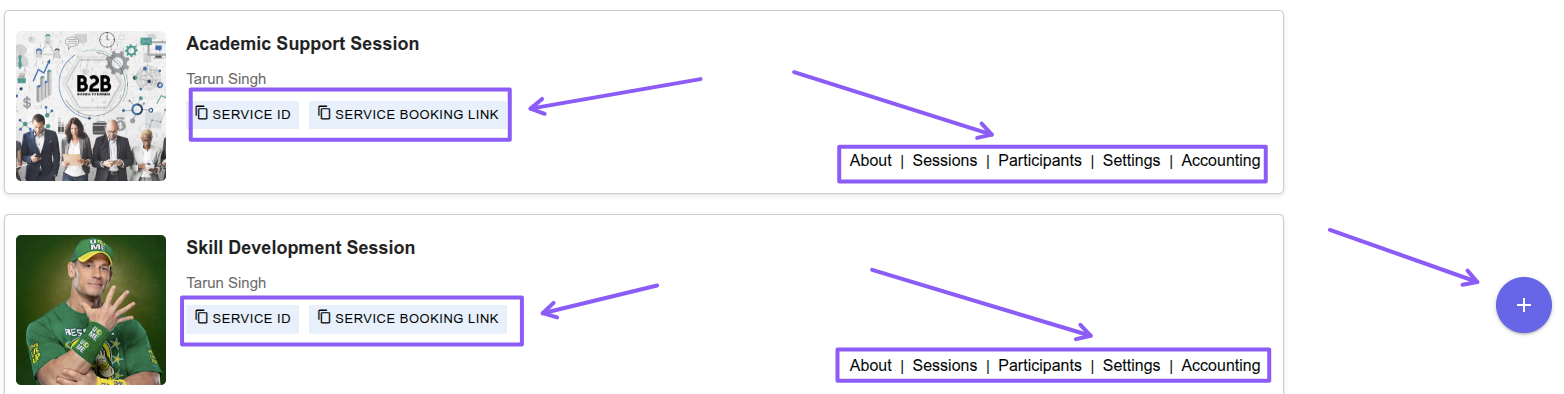
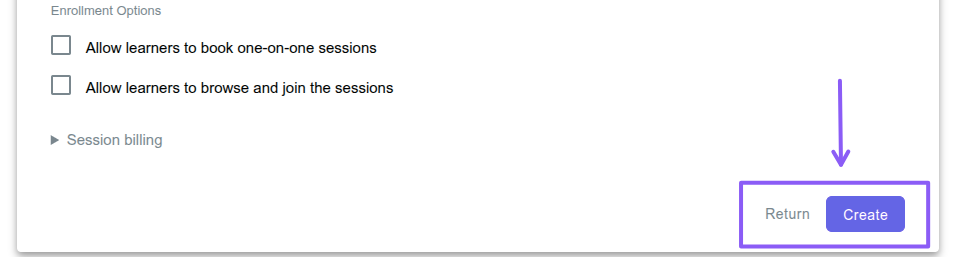
Add all the necessary details such as title, minutes of your service and enrollment settings.
To manage participants in the session service, click the “Participants” button and select “Add Users” to “Invite by Link”, “Invite Existing Members”, “Invite by Email”, view “Pending Invitations”, “Share Booking Link”, “Remove” users, or “Block” users.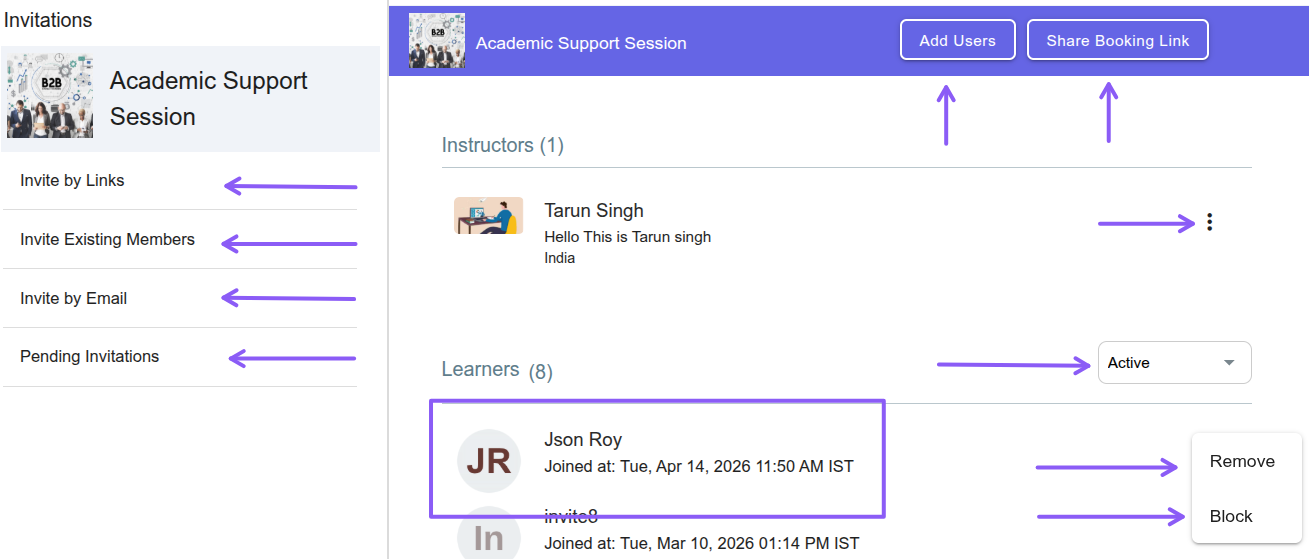
To manage session service settings, click the “Settings” button, update the required settings, and click the “Save Settings” button to apply the changes. You can also delete the service by clicking the “Delete” button and confirming the deletion.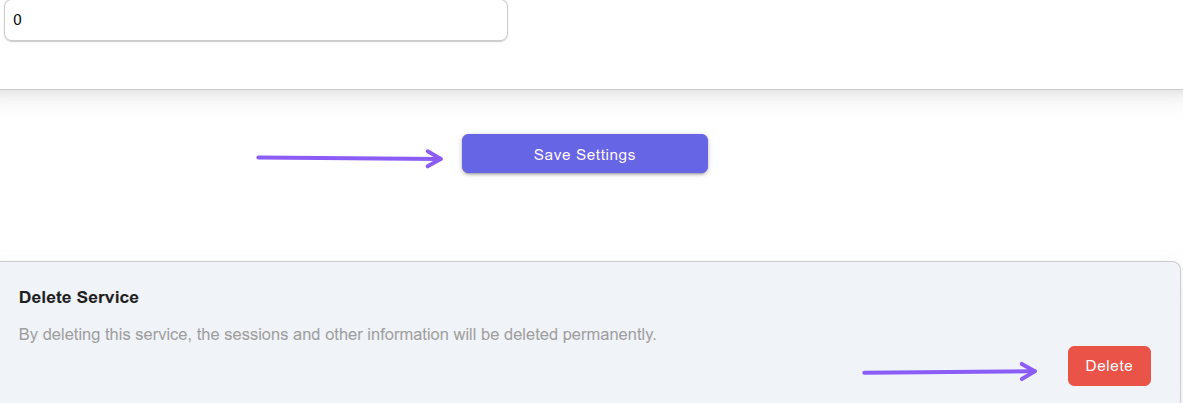
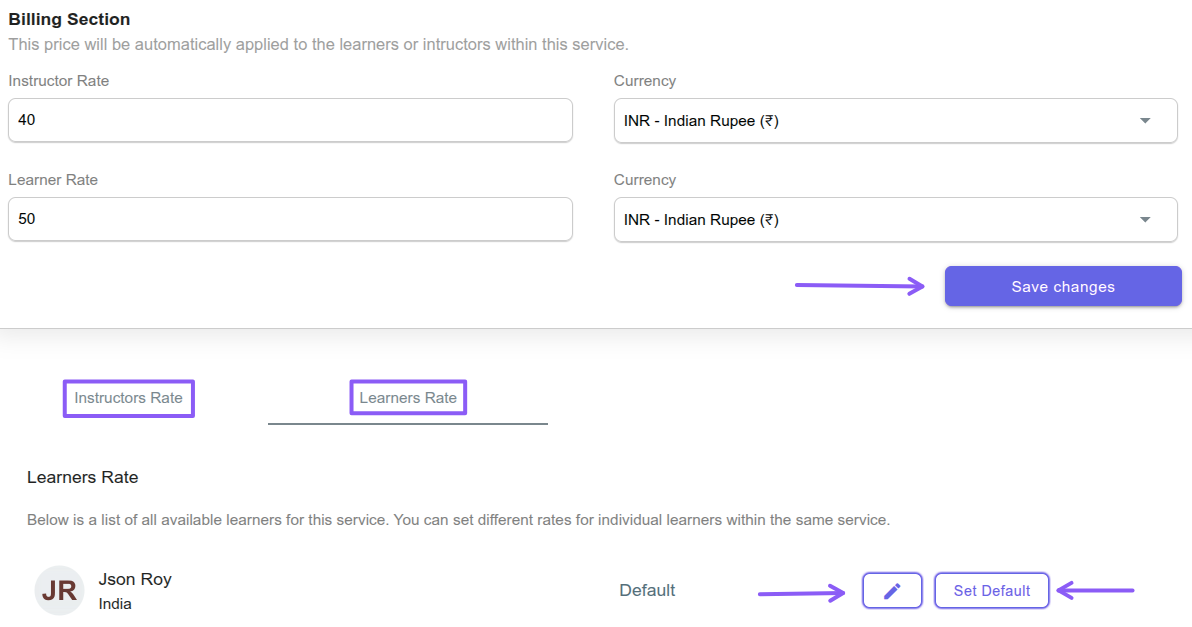
To manage session service accounting, click the “Accounting” button and set instructor or learner rates in different currencies.