+1 805-283-6908
 +91 73473-34050
In order to understand how to use Session Services in MeritHub Sessions, follow the steps and details mentioned below:
Select the “Admin Console” of a particular organization.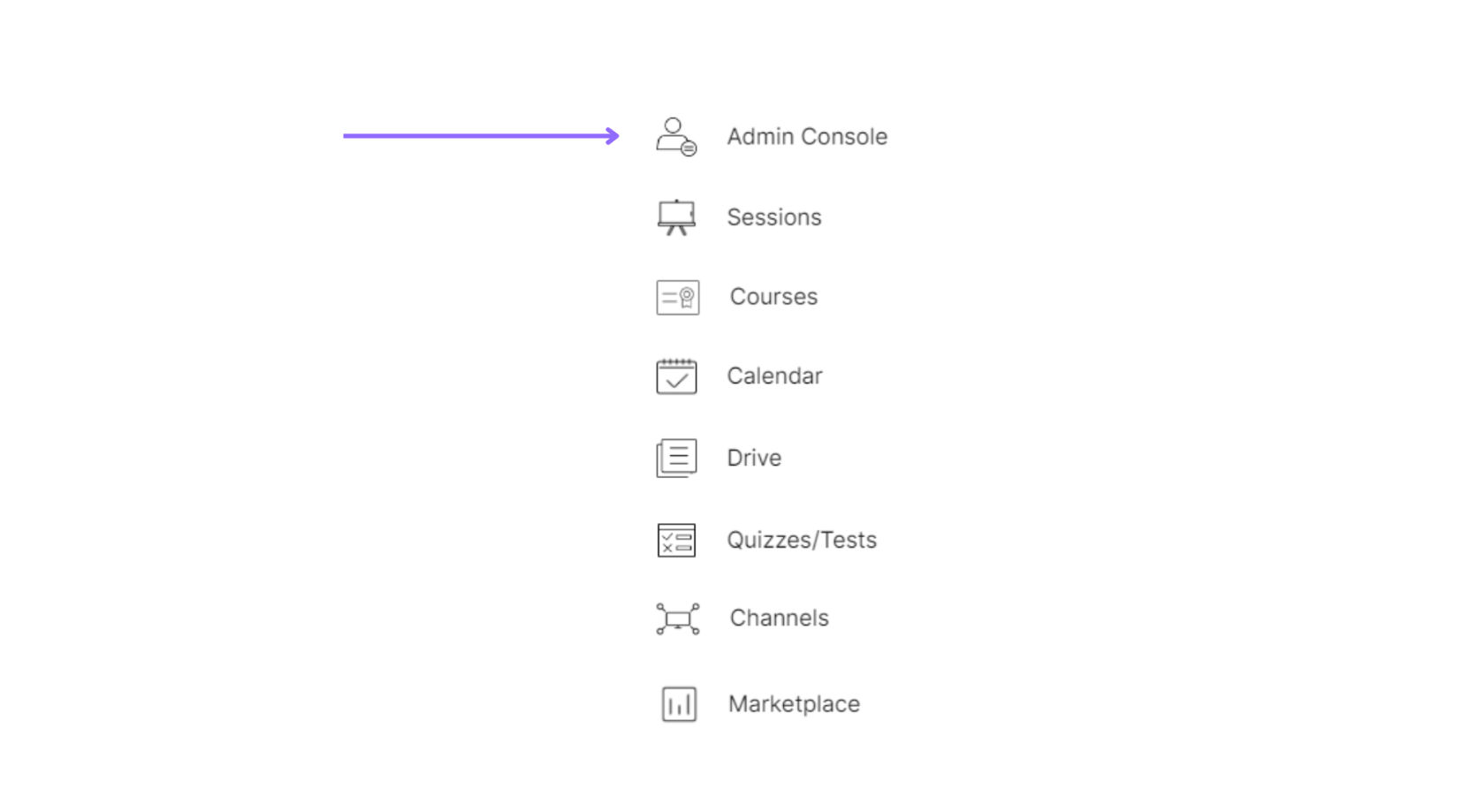
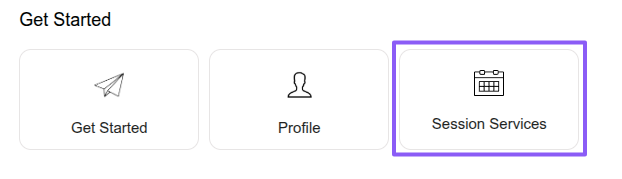
Click on “Session Services” under the “Get Started” tab.
Select a service from the list, then click the “Session” button.

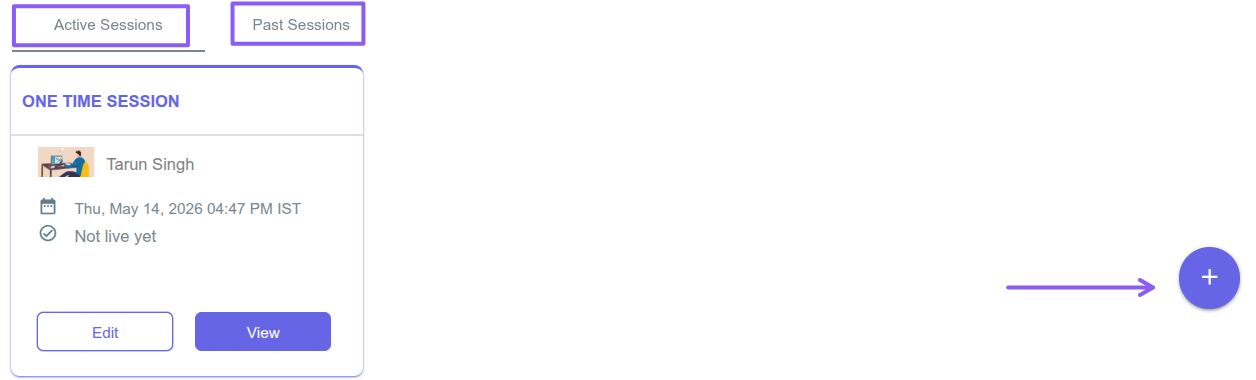
Click the “Plus” icon to create a new session, or select the “Active Sessions” or “Past Sessions” tabs to view sessions created under the selected service. When a session is created using a service, the service settings are automatically applied to the session, including session duration, instructor and learner rates, credits required, enrollment settings, and booking or cancellation rules.