+1 805-283-6908
 +91 73473-34050
In order to understand how Packages work in Merithub Billing and Session Accounting, follow the below-mentioned details:
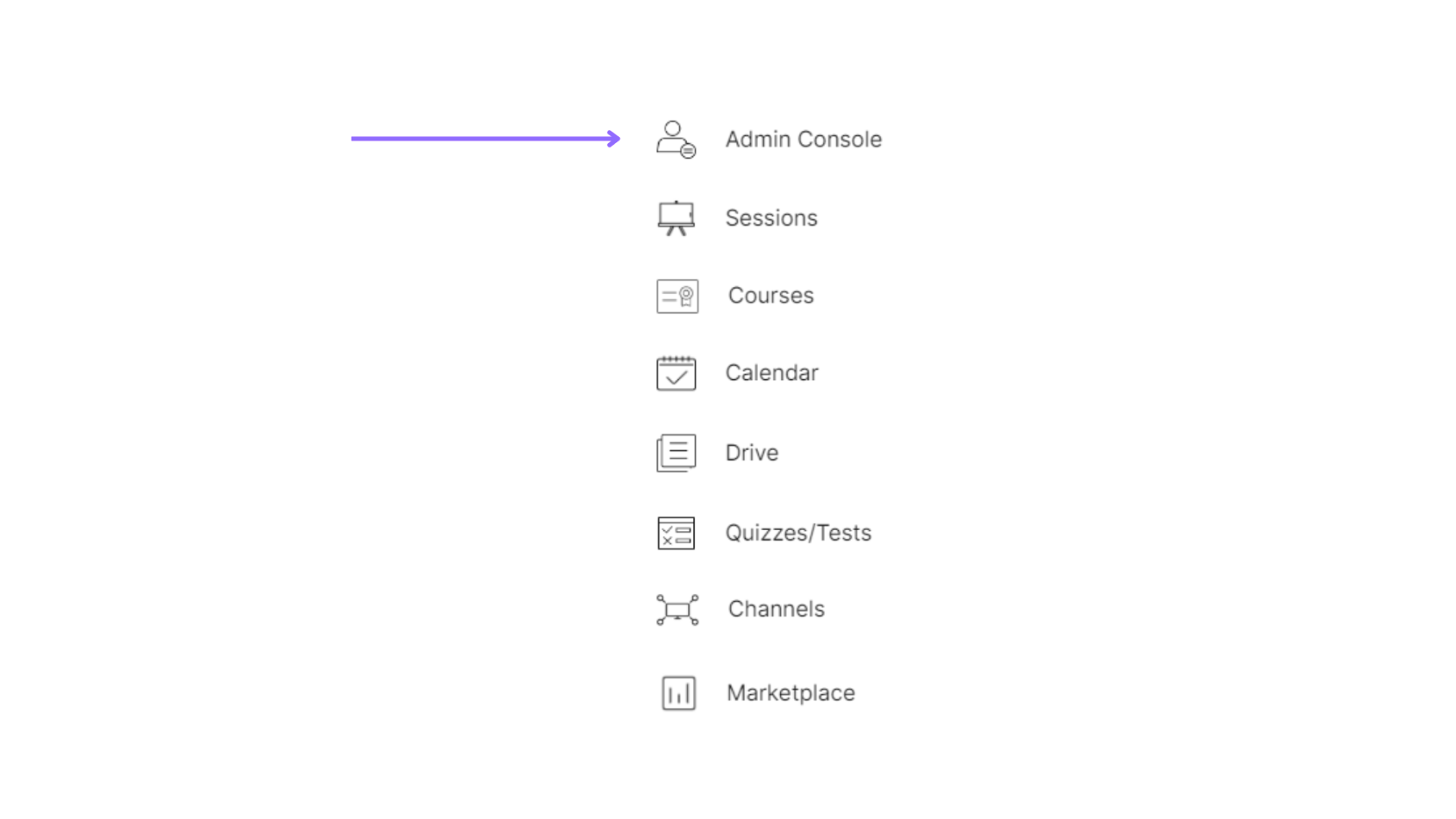
Select the “Admin Console” of a particular organization.
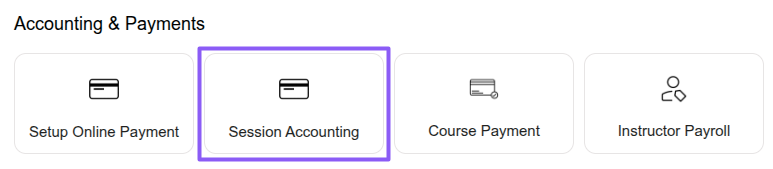
Select the “Accounting & Payments” option under the “Session Accounting” section.
Select the “Packages” option under the “Payments” section to create and manage learner packages, including sessions, credits, pricing, validity, and linked services.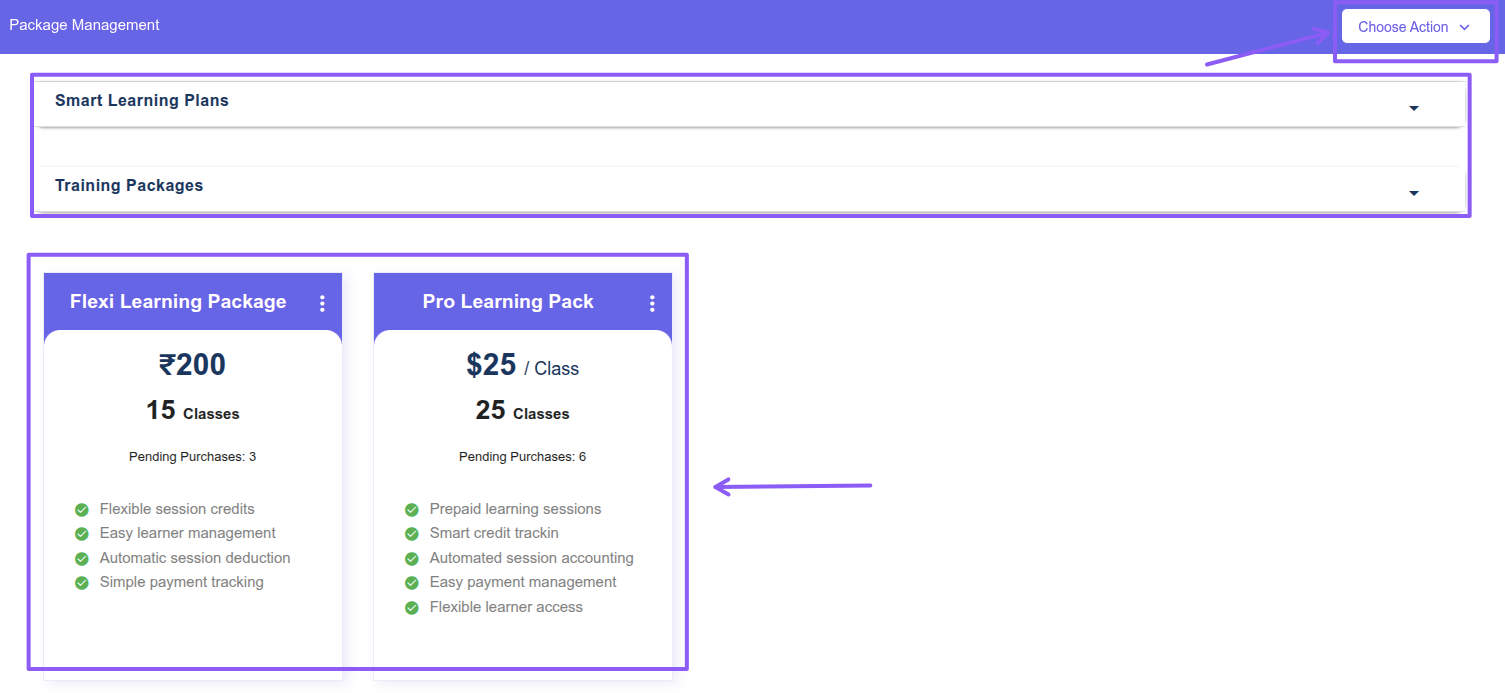
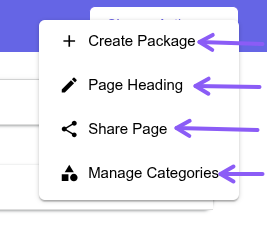
Click the “Choose Action” button available at the top-right corner of the page to create packages, set the packages page heading, share package purchase pages with learners, and manage package categories.
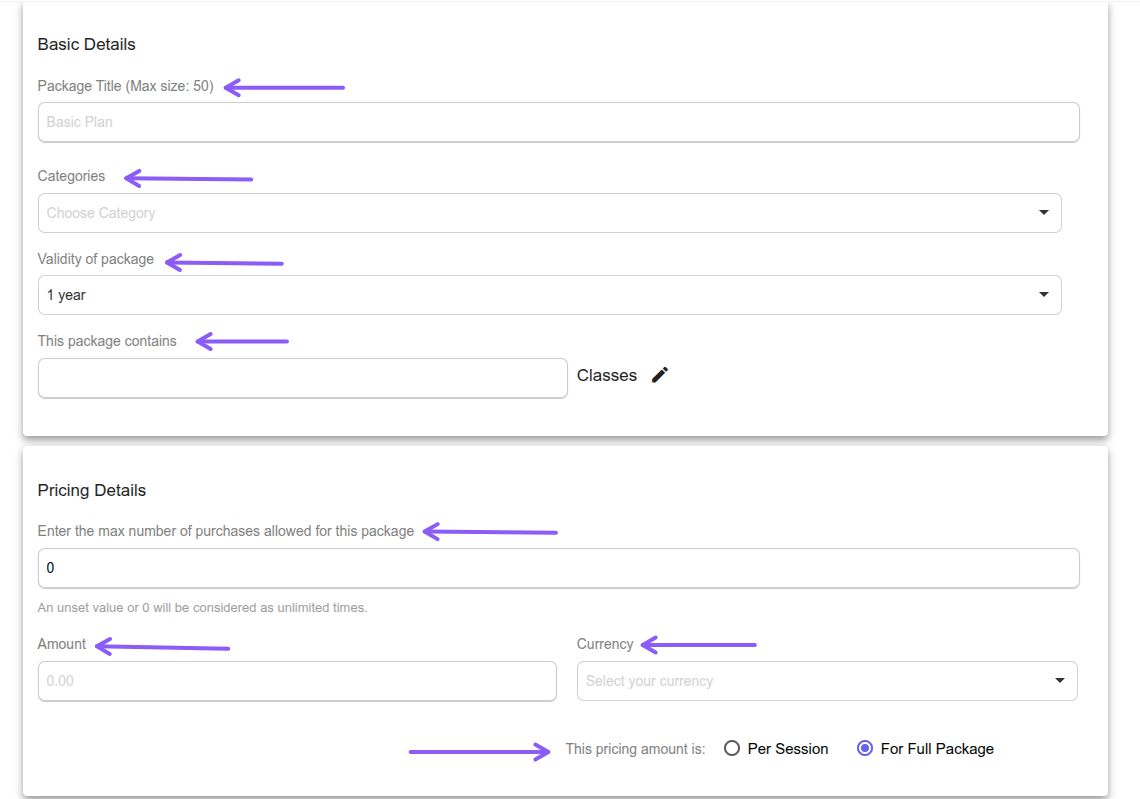
Fill in the basic package details such as package name, credits, pricing, validity, services, and optional category selection, then click the Create Package button at the bottom of the page to create the package.
Click the three-dot menu available at the top-right corner of a package to perform actions such as edit, delete, generate subscription link, share the package, or create a copy of the package.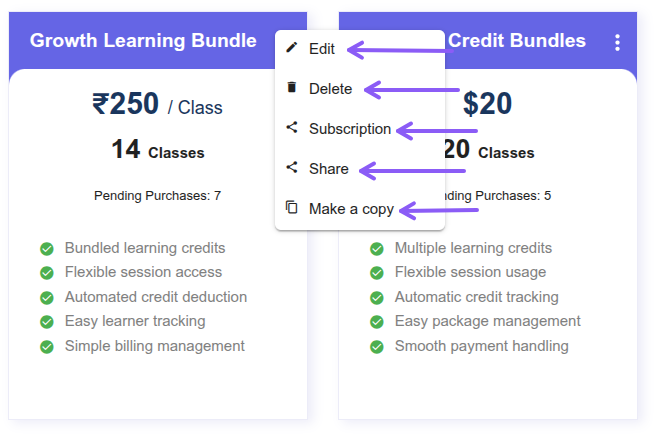
Learners can purchase packages using the shared package link. You can share a particular package or all available packages with learners, and they can click the “Buy Now” button to purchase the required package.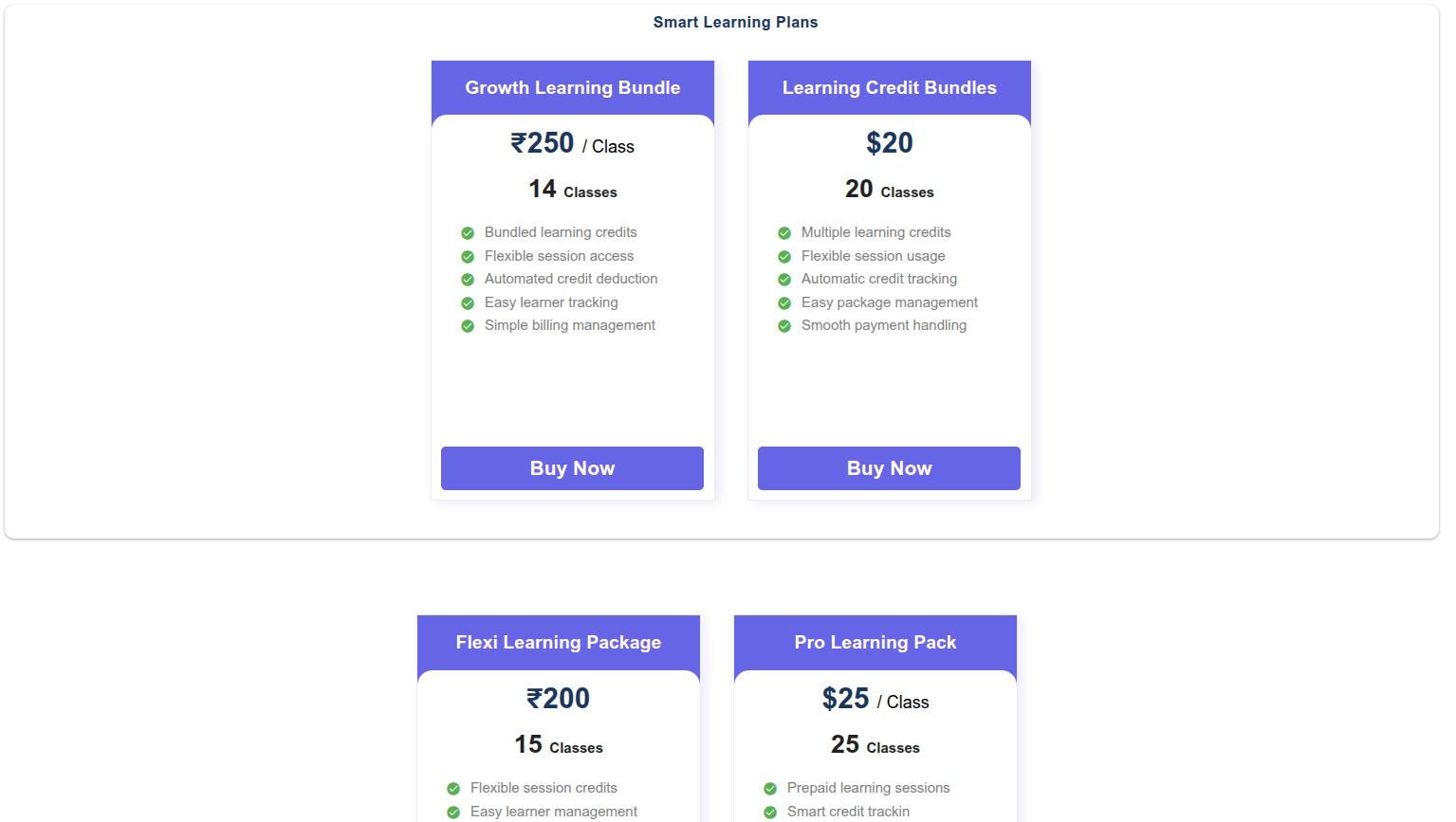
Under the Payments section, click Package Payments to view the payment history and details of learner package purchases and transactions.
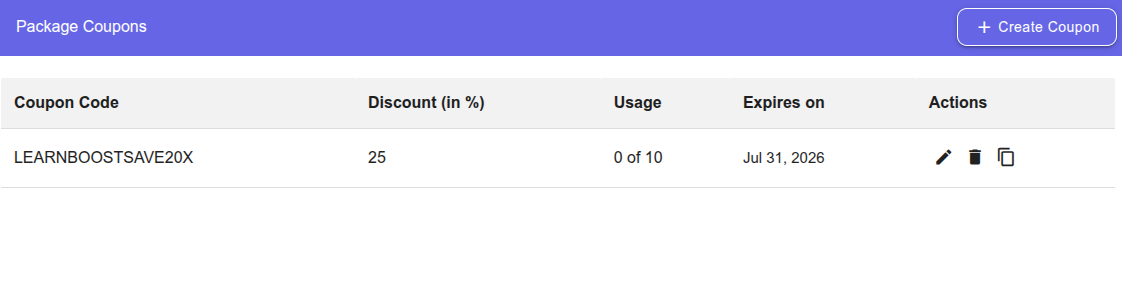
Under the Payments section, click Package Coupons to create and manage package discount coupons. Click the Create Coupon button available at the top-right corner of the page, fill in the basic coupon details, and apply the coupon to the required packages.