
To set up online payments, please follow the steps mentioned below.
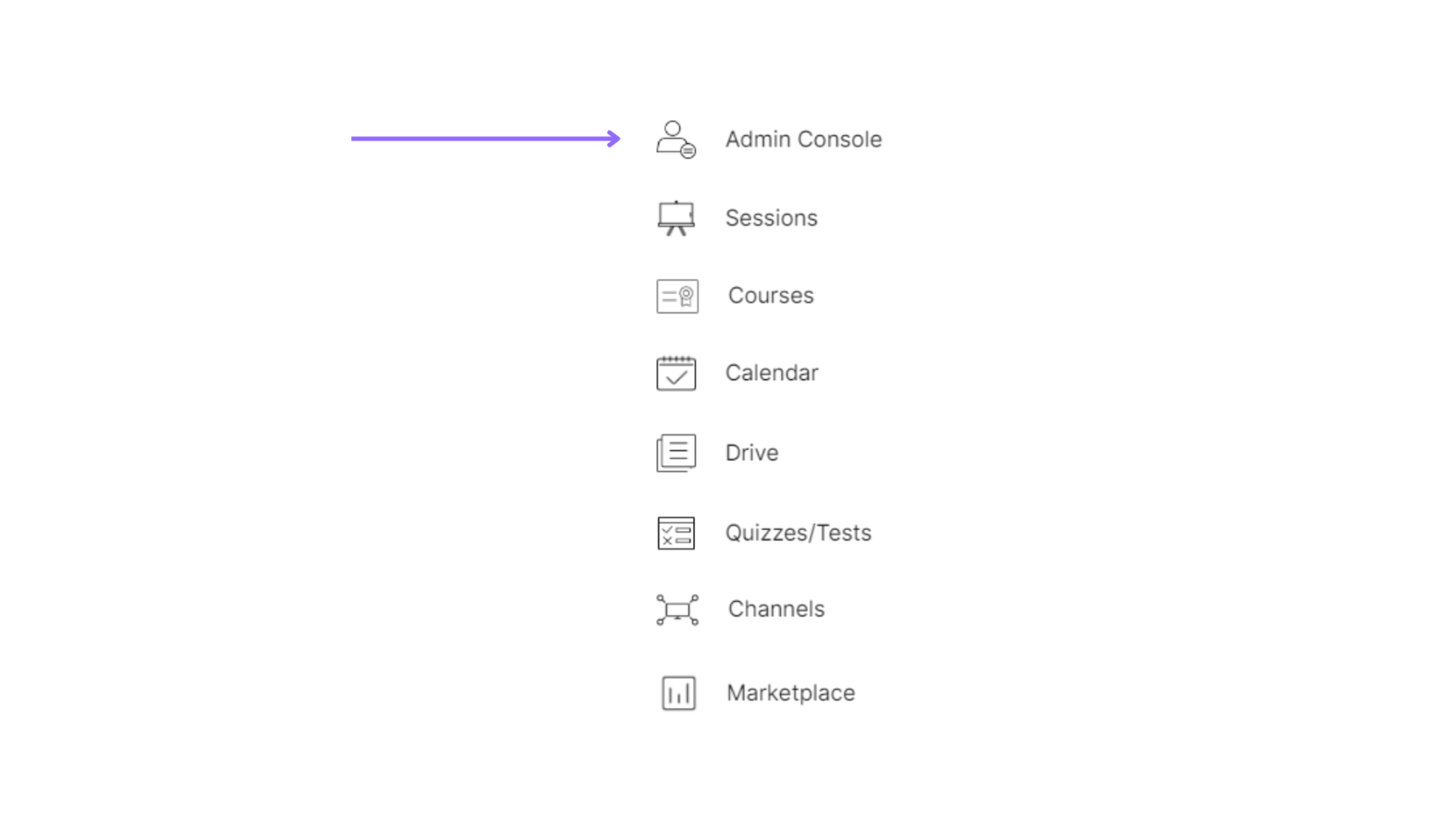
Select the admin console of a particular organization.
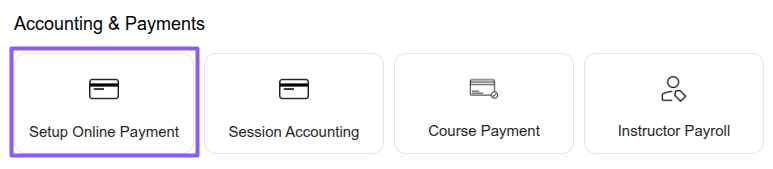
Select the “Accounting & Payments” option under the “Setup Online Payment” section.
Click on “Add more billing details”, fill in the required information, and then click the “Save” button.

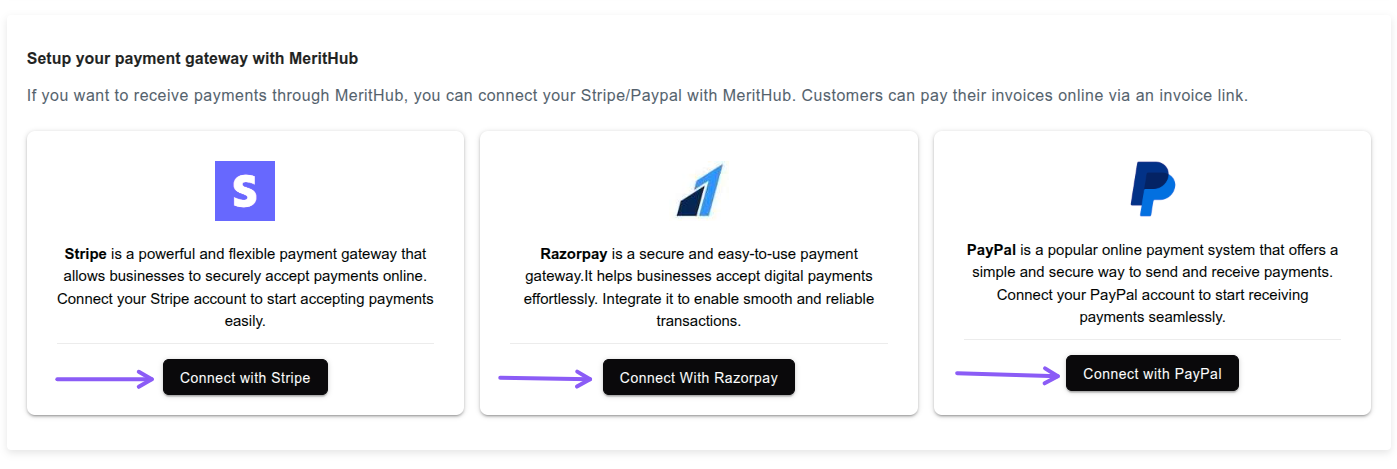
Click on “Connect with Razorpay / Stripe / PayPal”, log in to your account, and complete the connection to enable online payments.
Tags
 +1 805-283-6908
 +91 73473-34050
