+1 805-283-6908
 +91 73473-34050
To learn Credit System, follow the guide below and understand how to manage it effectively.
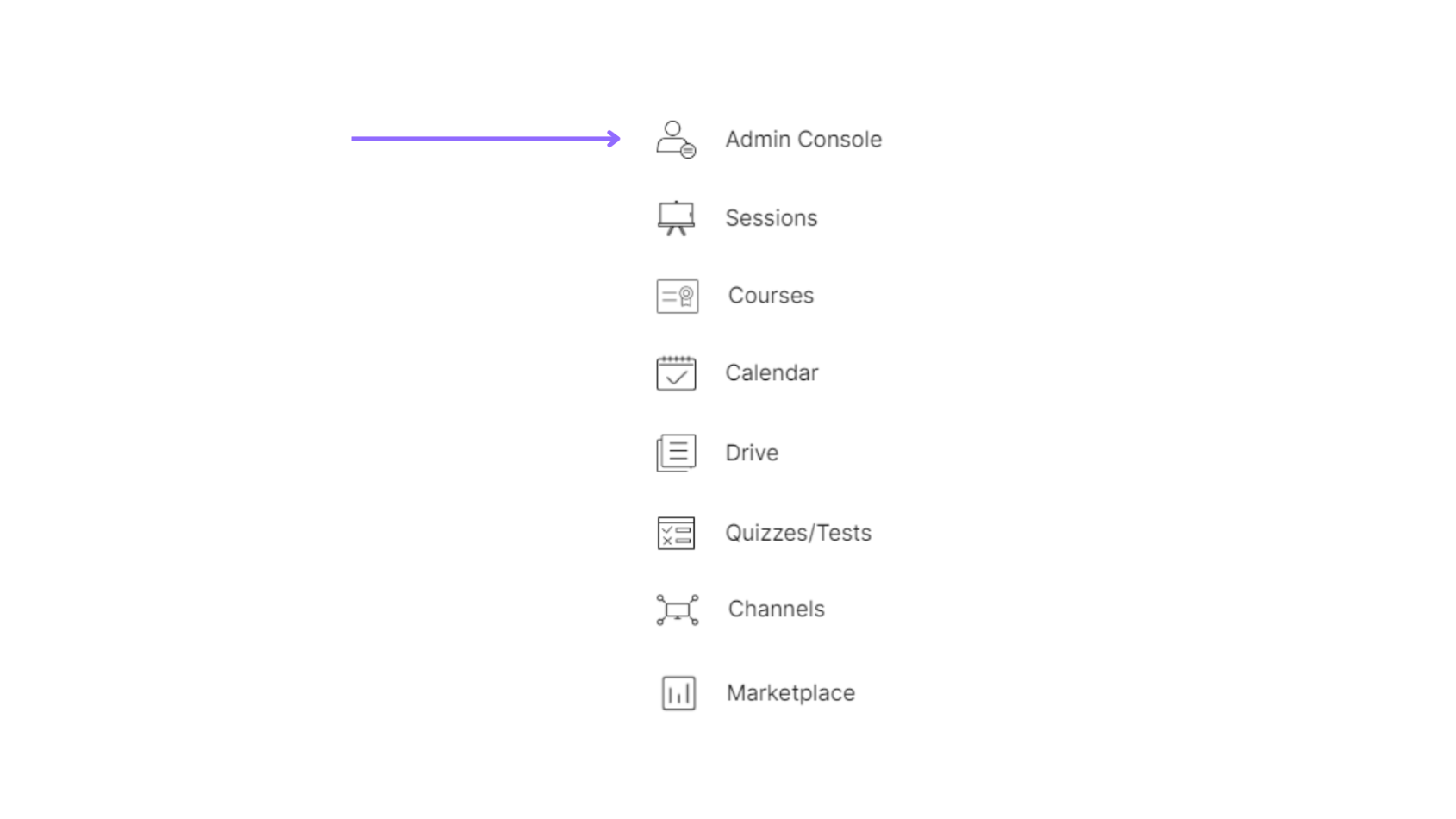
Select the admin console of a particular organization.
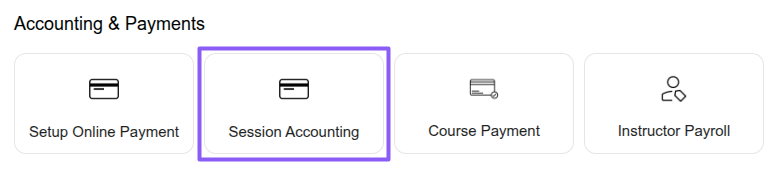
Select the “Accounting & Payments” option under the “Session Accounting” section.
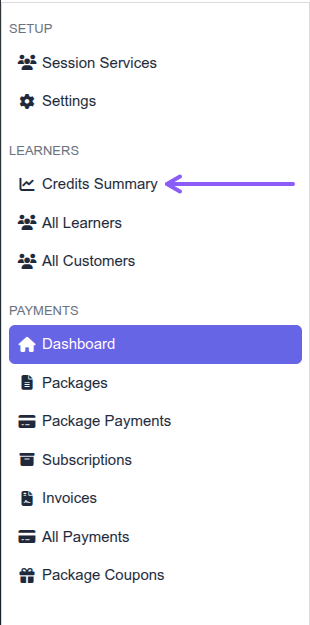
Select the “Credits Summary” option under the “LEARNERS” section.
Click Add to add credits, click Withdraw to withdraw credits, and view the Service-Name section to see user service credits (Allocated, Remaining, Consumed, Expired, Withdrawn, Overused, Cancelled).
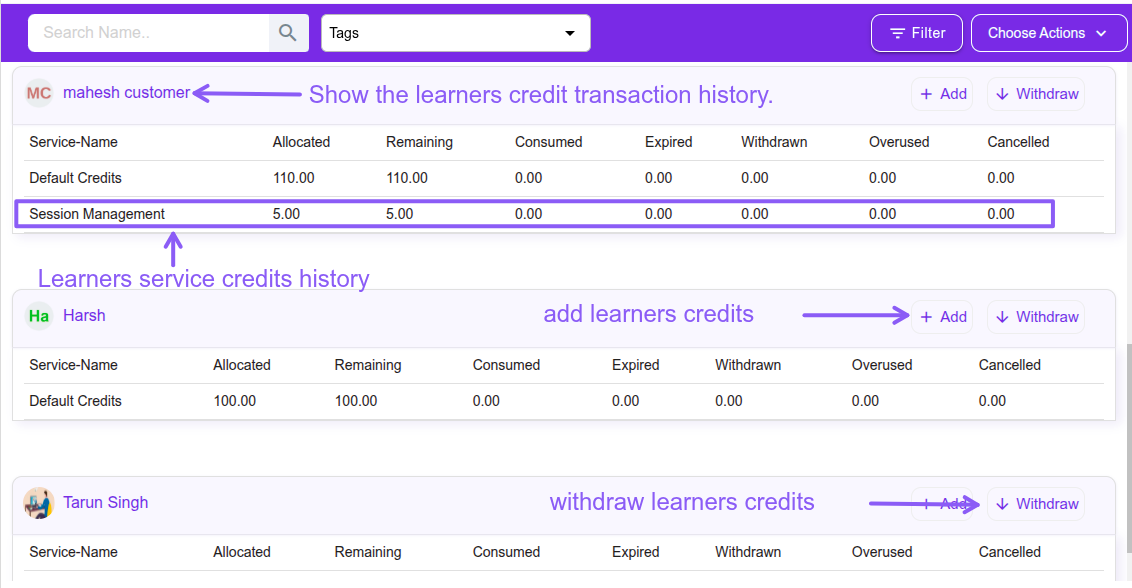
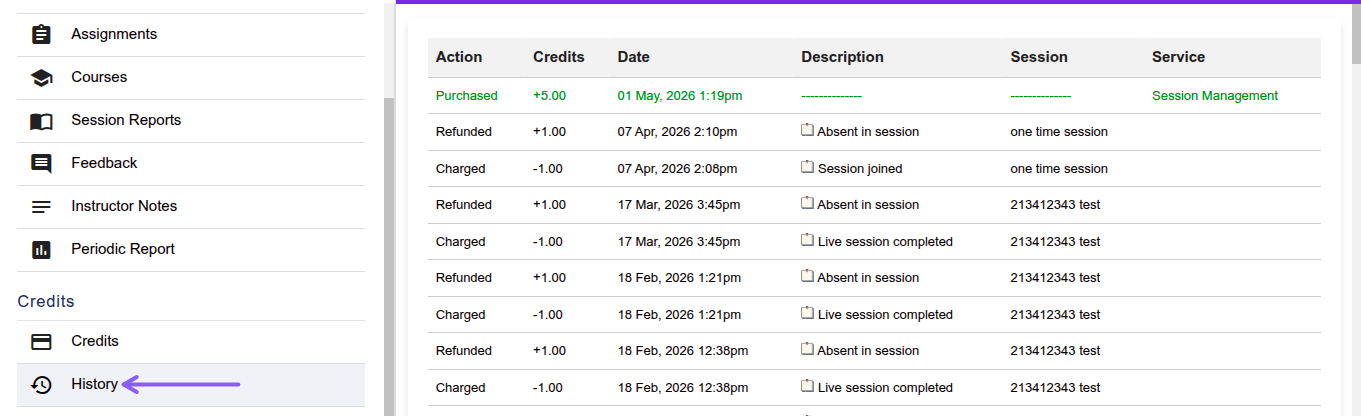
Click the learner's name and see the credit transaction history under Credits or History section.