+1 805-283-6908
 +91 73473-34050
To learn session accounting, follow the guide below and understand how to manage it effectively.
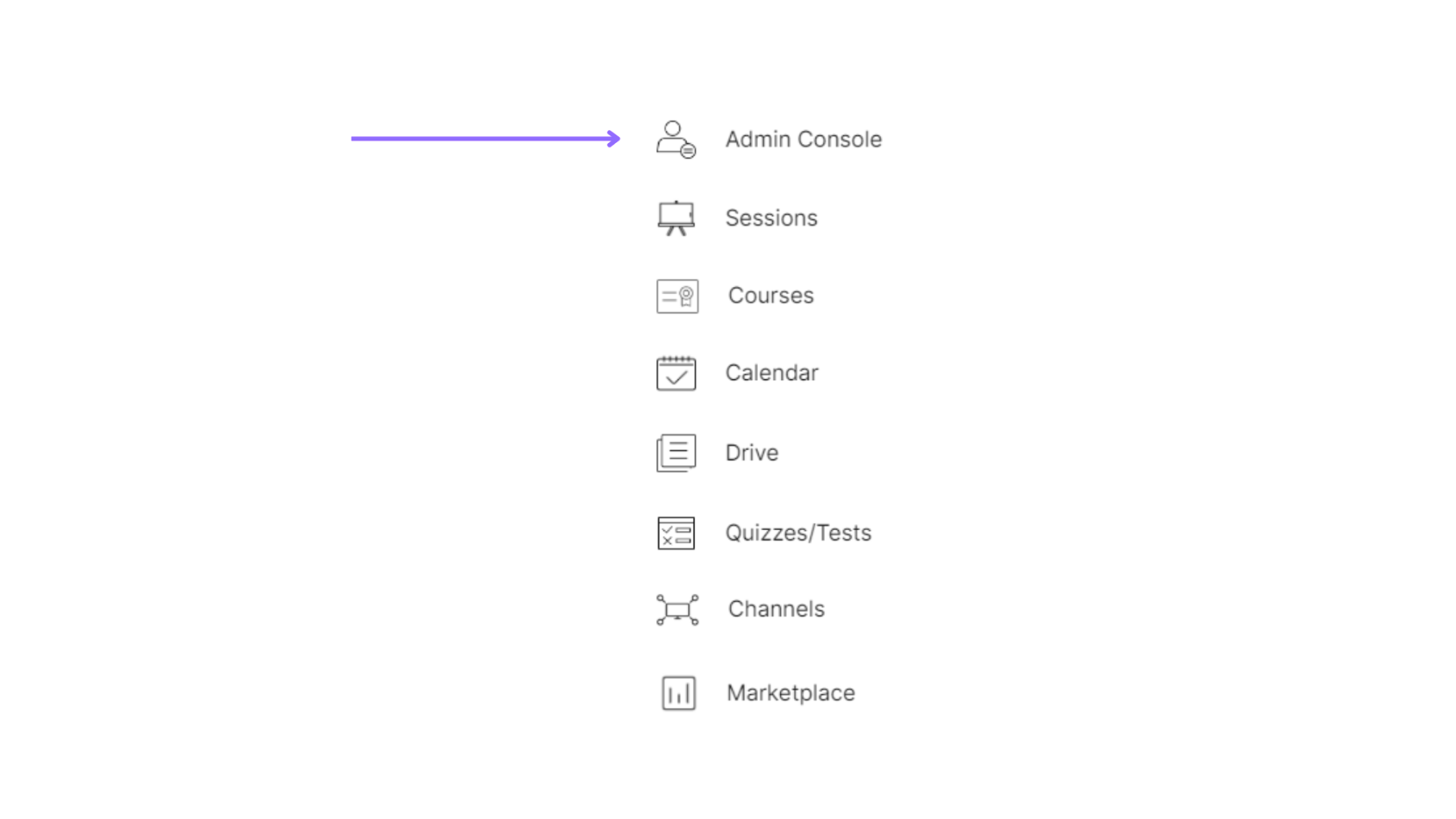
Select the admin console of a particular organization.
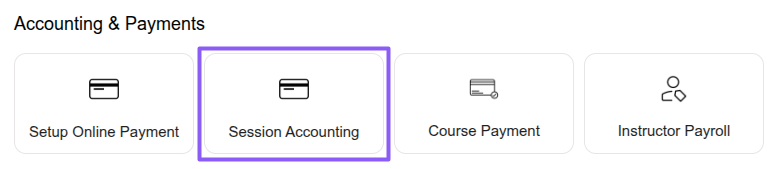
Select the “Accounting & Payments” option under the “Session Accounting” section.
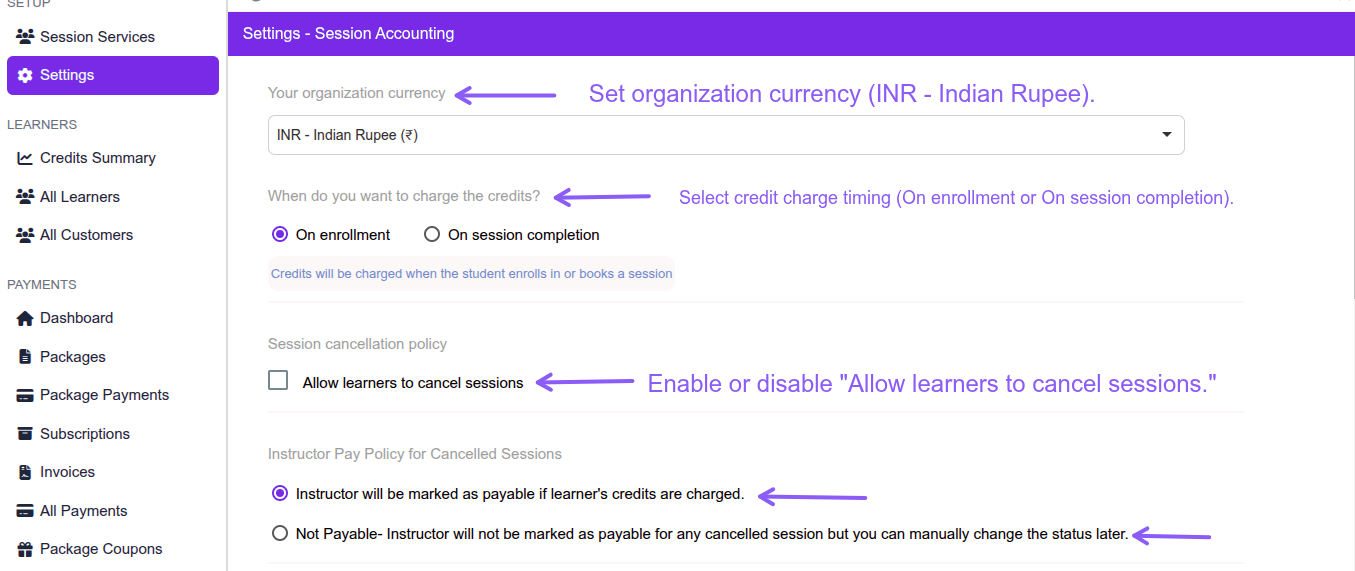
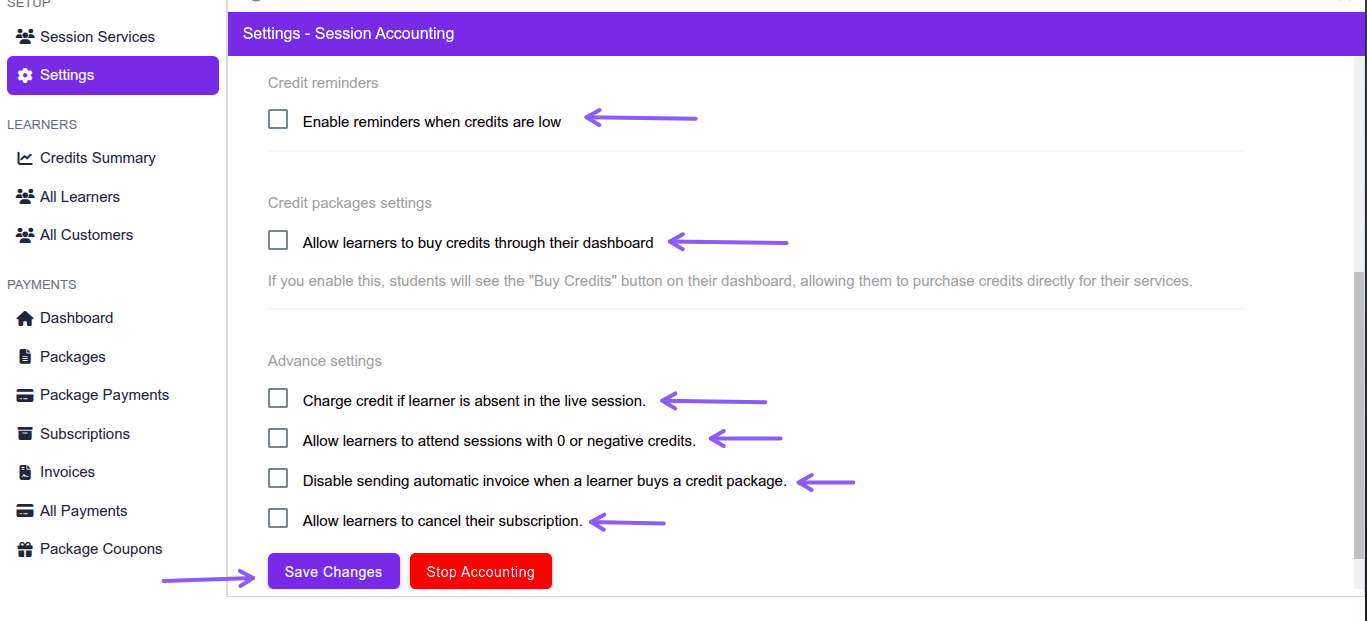
Select the “Settings” option under the “SETUP” section.
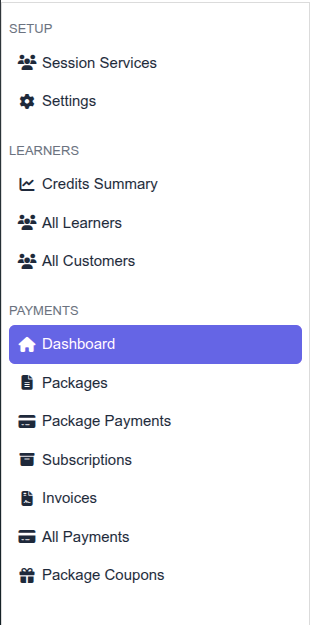
Go to the Settings option under the SETUP section to configure Session Accounting preferences in Merithub, including organization currency, credit charge timing, learner cancellation permissions, instructor payment policy for cancelled sessions, low credit reminders, learner credit purchases, absent learner credit charges, negative credit access, automatic invoice settings, and subscription cancellation permissions. After updating the required settings, click the Save Changes button.