+1 805-283-6908
 +91 73473-34050
In order to manage invoices in your organization account, follow the steps below:
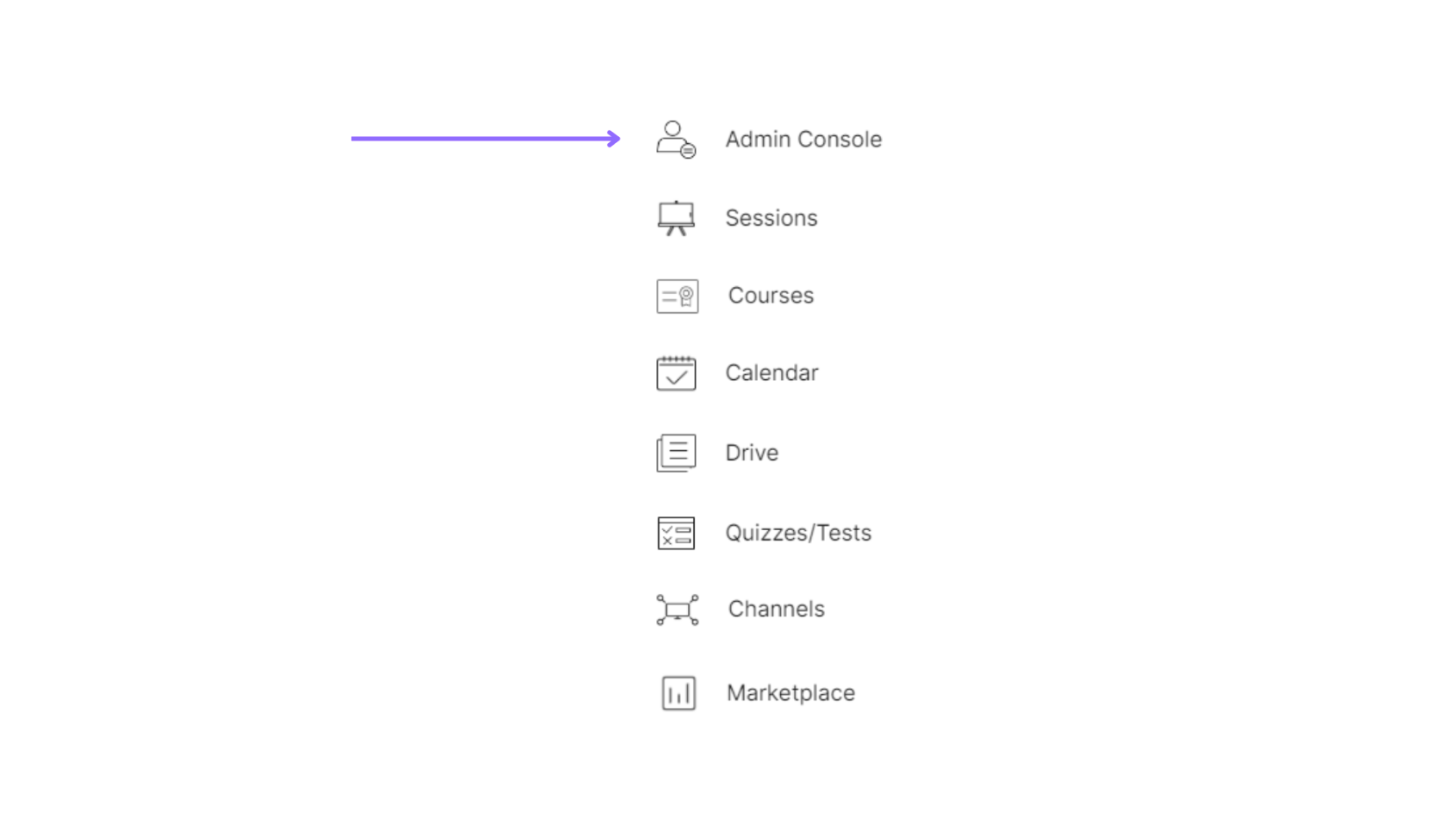
Select the Admin Console of the organization.
Select the “Accounting & Payments” option under the “Session Accounting” section.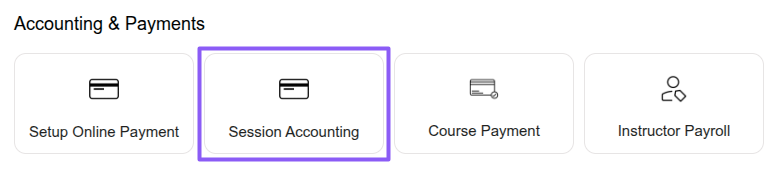
Select the “Invoices” option under the “Payments” section to create and manage learner invoices, including creating invoices, importing invoices through Excel, downloading invoice reports, invoice predictions, bulk reminders, bulk invoice actions, payment status, amounts, taxes, and linked services.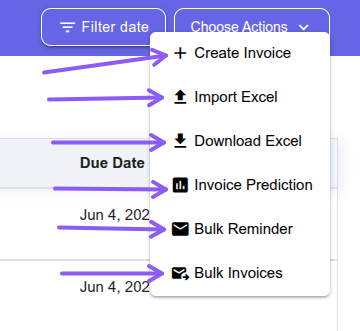
Click the Create Invoice button, select the customer, choose the invoice type, and continue with the required invoice details.
Standalone Invoice – A Standalone Invoice allows you to create an invoice manually for specific items such as sessions, packages, courses, or other services. This invoice is independent and gives full flexibility to bill any custom item whenever required.
Period Invoice – A Period Invoice helps automate billing for sessions conducted within a selected date range. The system automatically collects eligible sessions between the chosen start and end dates and adds them as invoice line items for easier and faster billing management.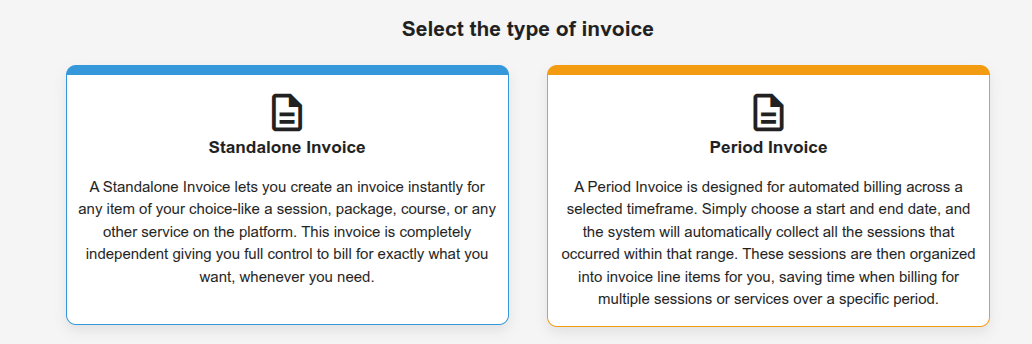
Fill in the basic invoice information such as customer details, invoice type, services, invoice items, amount, discount, taxes, and payment details. You can also choose options to finalize the invoice, notify the customer through email, and collect payment through Merithub before clicking the Create Invoice button. 
Click an invoice to view additional actions such as sending payment reminders, editing the invoice, downloading the invoice as a PDF, sharing the invoice link with the customer, viewing assigned services and credit details, marking the invoice as paid, or cancelling the invoice.
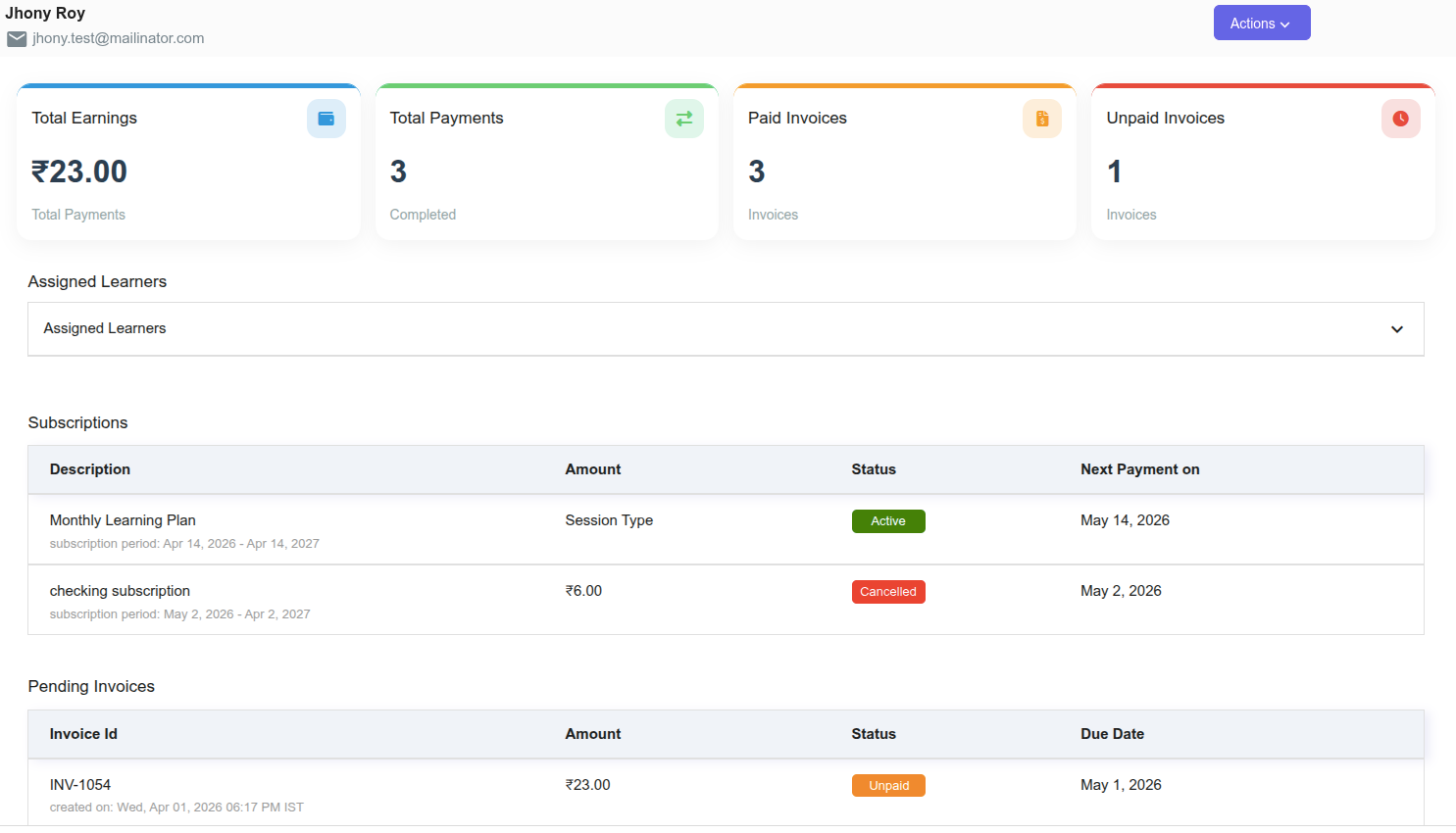
Select All Customers under the Learners section to view customer details such as total earnings, total payments, paid invoices, unpaid invoices, and other billing and payment-related information.