+1 805-283-6908
 +91 73473-34050
To share the quiz and see the detailed report of attempts, follow the below-mentioned steps:
Select the "Quizzes/Tests" option from the dashboard of a particular organization.

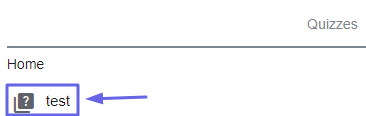
Under the "Quizzes" Section, select the particular quiz you want to share with the students.
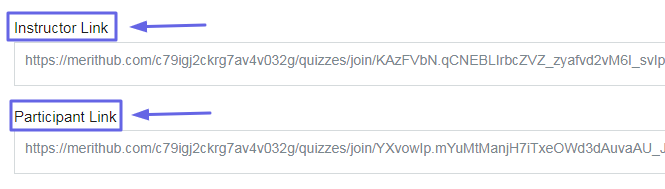
Appropriate links can be shared with the instructor or the participant through the instructor link or the participant link respectively and the quiz can be directly accessed by the receiver by simply clicking on the link provided. If you share the instructor link with someone, that person gets the editing rights on the quiz.
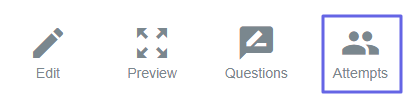
To see the detailed report of attempts, select the “Attempts” tab and click on “View Results” option of the particular participant whose detailed report is to be seen.
Click on the “View Results” button to see the generated questions and proceed further.

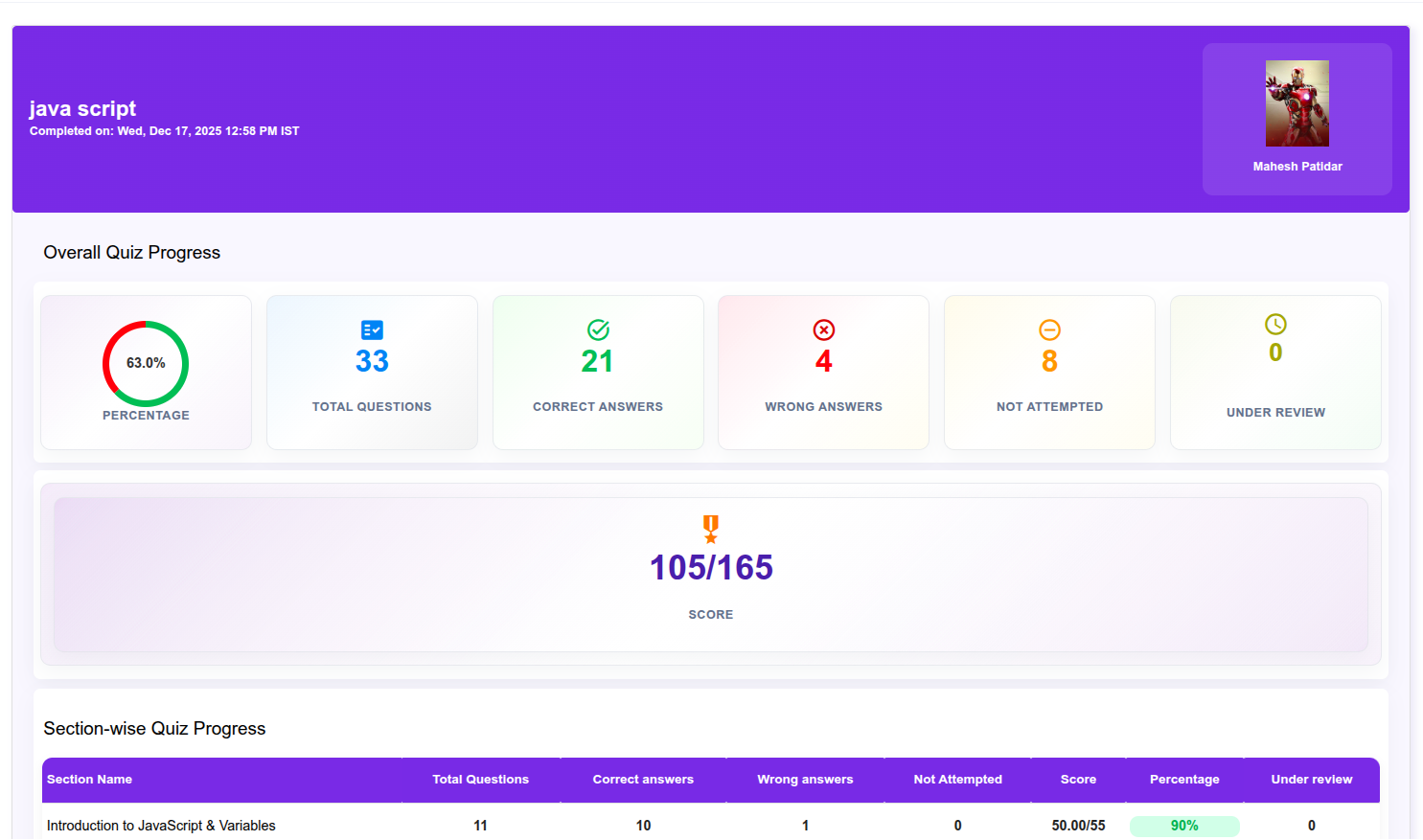
View detailed results with section-wise performance, including total questions, correct and wrong answers, attempted and not attempted, along with your overall score and percentage.