+1 805-283-6908
 +91 73473-34050
To track paid and unpaid course payments, follow the guide below and learn how to manage course payment statuses effectively in MeritHub.
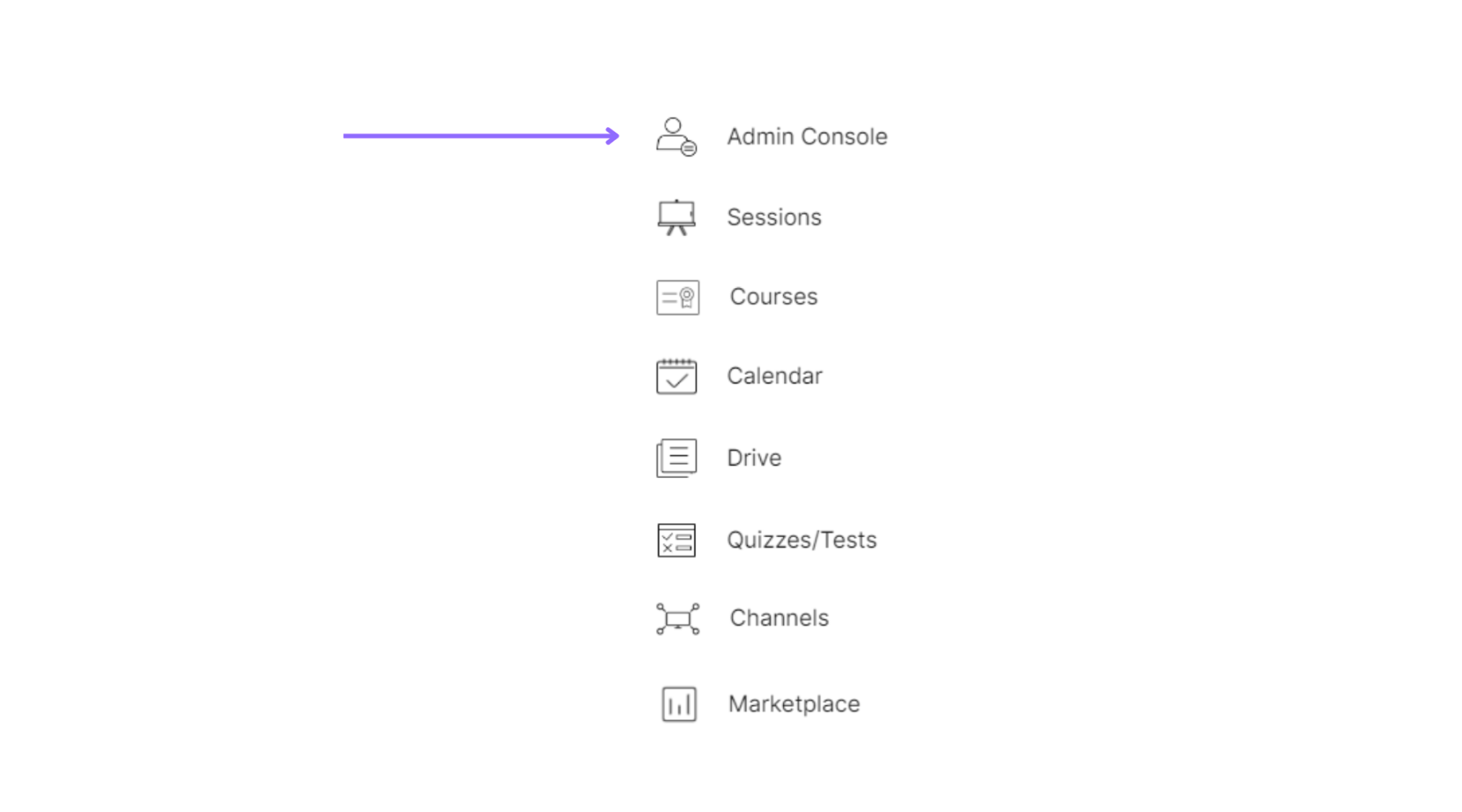
Select the “Admin Console” of a particular organization.
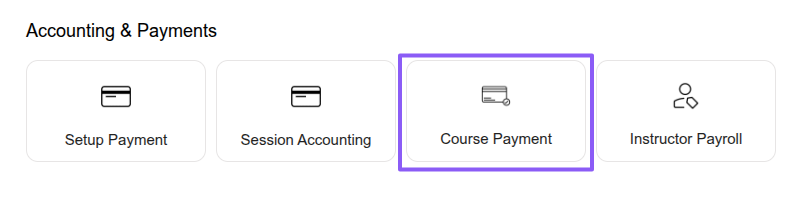
Select the “Accounting & Payments” option under the “Course Payment” section.
Under the “COURSE PAYMENTS” section, select “Invoices” to view paid and unpaid payments or “Subscriptions” to view active and canceled subscriptions.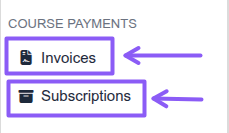
Select the “Paid” or “Unpaid” invoice tabs to view invoices, open any invoice to see its details, and copy the invoice link to share it with learners or customers.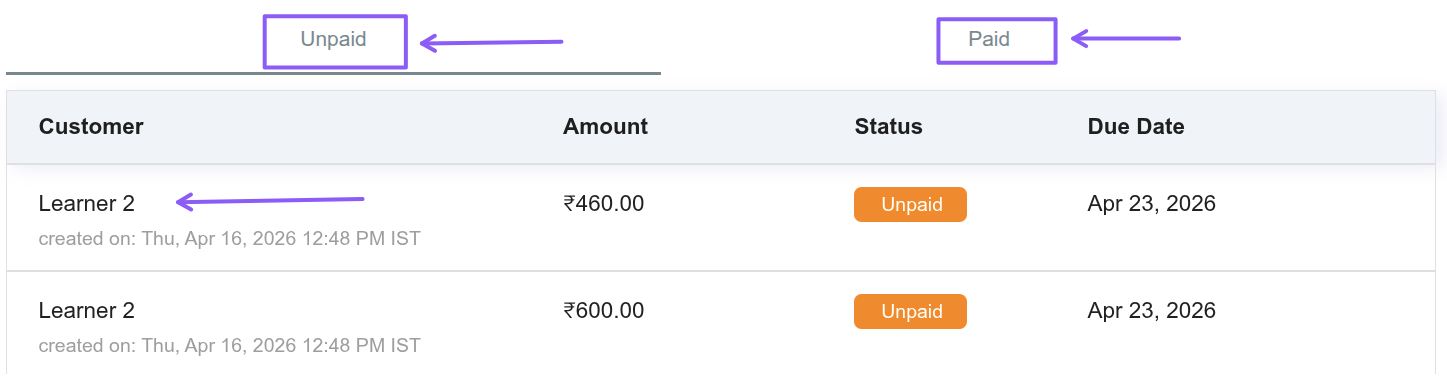
Select the “Active” or “Cancelled” subscription tabs to view subscriptions, then open any subscription to see its details.